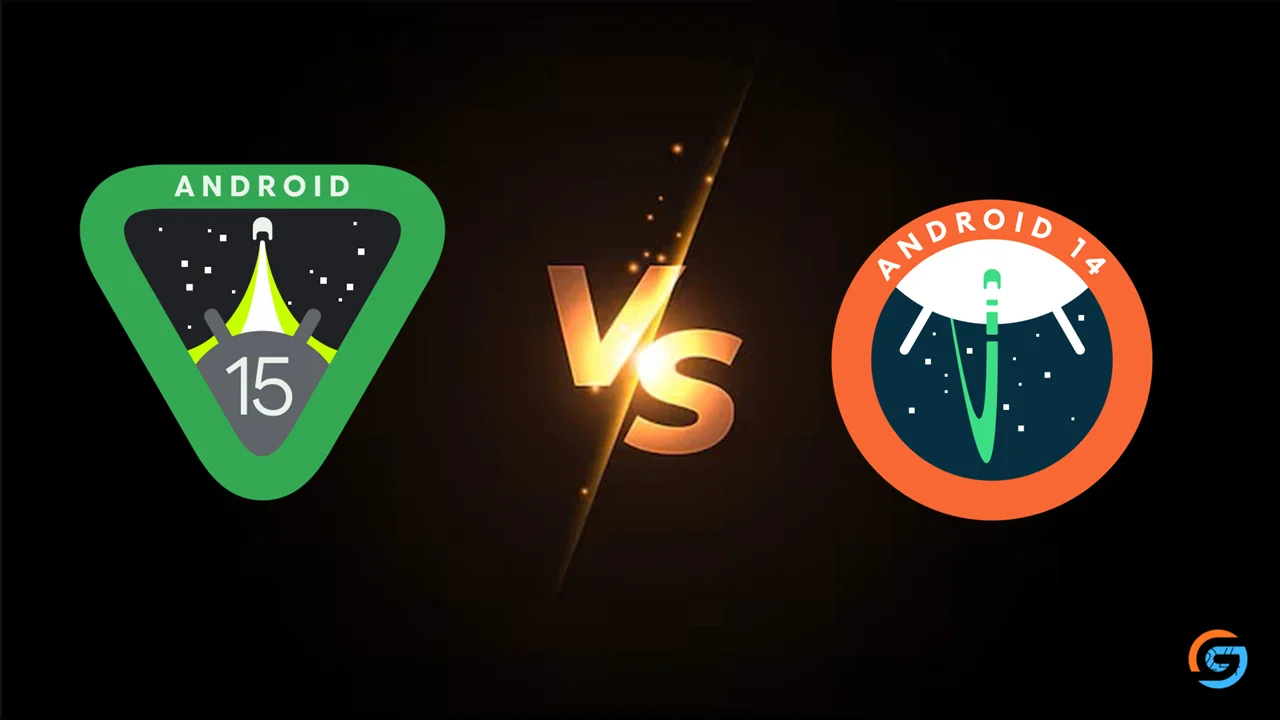
Android 15 vs Android 14 explained clearly. Discover the biggest changes in performance, privacy, battery life, customization, and security to see if Android 15 is worth upgrading to.
Android 15 is finally here, and many users are wondering if it is a real upgrade over Android 14 or just another small update. I’ve been exploring both versions side by side, and in this post, I want to explain the differences in a simple and honest way. No technical jargon, no confusing terms—just a clear explanation of what actually changed.
Whether you care about new features, battery life, privacy, or performance, this comparison will help you decide if Android 15 is worth the upgrade. If you want a complete feature list later, you can also check my guide on Android 15 Complete Guide.
Table of Contents
1. User Interface & Design Changes
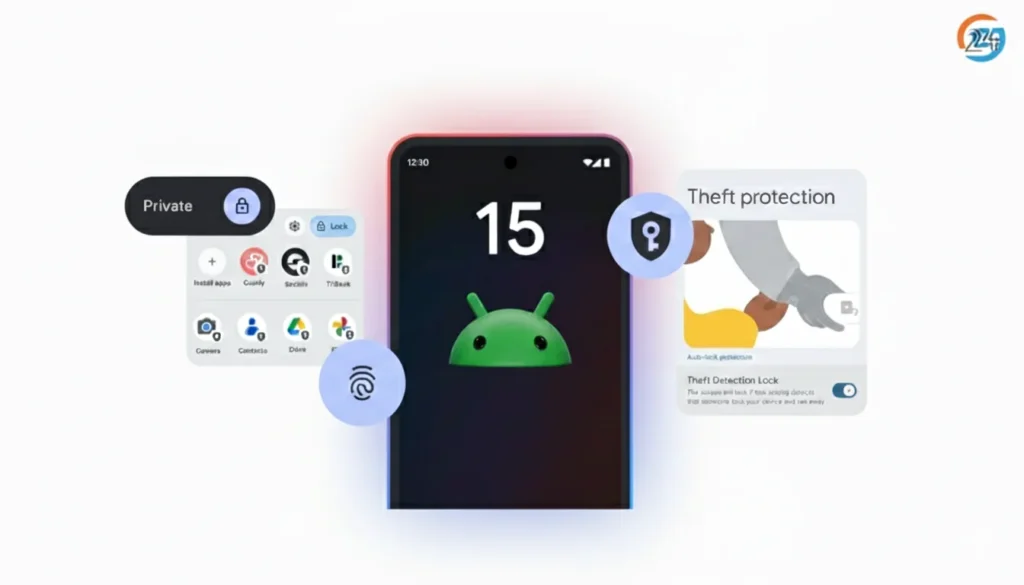
Android 14 had a clean and stable UI, but Android-15 brings refinements that feel smoother and more polished.
What’s New in Android 15
- Cleaner animations
- Better transition effects
- A more responsive lock screen
- Improved widget interactions
- More dynamic color options
Android-15 feels more modern. Everything moves with less delay, which gives the system a lighter feel.
2. Performance Improvements
Google has improved performance under the hood. Apps launch faster, animations respond quicker, and the system feels more stable.
Key Gains in Android 15
- Better RAM management
- Reduced background lag
- Faster app switching
- Predictive app launch optimization
- Stable frame rates in games
If you use heavy apps or play games, Android-15 will feel like a real upgrade.
3. Battery Life and Stability
This is one of the biggest improvements in Android-15.
Battery Improvements in Android 15
- Smarter battery optimization
- Improved thermal control
- New battery health tools
- Reduced background activity
- Adaptive charging that adjusts to your routine
On the same device, Android-15 lasts longer than Android 14, especially for users who multitask a lot.
4. Privacy & Security Upgrades
Security is a major focus in Android 15.
Android 15 Adds:
- Theft Detection Lock
- Private Space 2.0
- Partial Screen Sharing
- More secure background service limits
- Improved anti-tracking controls
Android 14 had basic privacy tools, but Android-15 takes it much further with smarter, real-time protection.
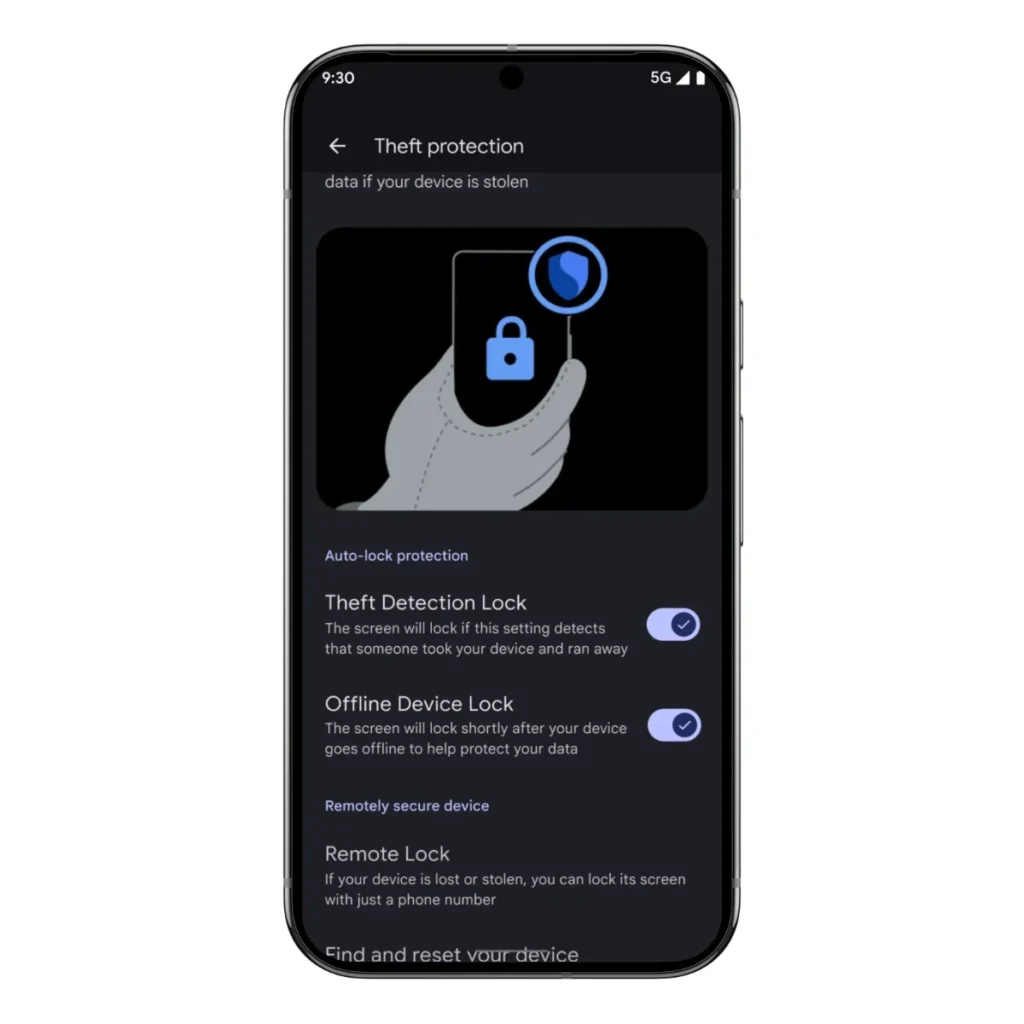
If you want to explore these settings later, I wrote a full guide on Android-15 Hidden Settings You Should Enable.
5. New Features & Tools
This is where Android 15 clearly stands ahead.
Exclusive Features in Android 15
- App Pair saving for split screen
- Intelligent vibration control
- Notification Cooldown
- Better media playback controls
- Faster Nearby Share
- Improved camera pipeline for better image processing
Android 14 didn’t offer many of these tools. Android-15 simply gives users more control.
6. AI & Smart Features
Android 14 introduced basic on-device AI, but Android-15 pushes it further.
What’s New in Android 15
- Smarter text prediction
- Better on-device translation
- Improved AI battery optimization
- Enhanced voice recognition
- More accurate gesture detection
These changes help everyday usage feel smoother and more natural.
7. Device Compatibility & Support
Most phones that received Android 14 will also get Android 15, especially:
- Google Pixel
- Samsung flagship and mid-range phones
- OnePlus
- Nothing phones
- Vivo, Oppo, Realme devices
- Motorola newer models
Samsung phones also get extra One UI features on top of Android 15.
If you want to try it early, you can follow the How to Install Android-15 Beta Step-by-Step guide.
8. Customization Options
Android 15 offers better personalization than Android 14.
New Customizations
- More lock screen layout controls
- Additional font and icon styling
- New display color profiles
- Advanced gesture tuning
- Separate vibration profiles for each app
Android 14 had customization, but Android-15 makes it more flexible and useful.
9. Overall Experience: Which One Is Better?
Both versions are stable, but Android 15 clearly feels:
- Faster
- More secure
- Smoother
- Better optimized
- More feature-rich
If your phone supports Android 15, it is definitely worth upgrading.
For simple, everyday usage, Android-15 brings small changes that add up to a better experience. For power users, the hidden tools and performance improvements make it a strong upgrade over Android 14. If you want quick ideas to improve your setup, you can read my post on Best Android-15 Tips and Tricks for Everyday Users.
10. Overall Comparison Table
| Feature | Android 14 | Android 15 |
| UI & Design | Clean, simple | Refined, smoother animations |
| Performance | Good | Faster app launches, better RAM management |
| Battery | Standard optimization | Smarter background controls, adaptive charging |
| Privacy | Basic controls | Theft Detection, Private Space 2.0, better app permission control |
| AI Features | Basic text prediction | Improved translation, gestures, battery AI |
| Customization | Widgets & themes | Additional lock screen controls, improved gestures, and custom vibration patterns |
| Hidden Features | Few | App Pair, Notification Cooldown, High-accuracy WiFi scan |
You can also read my related blogs below:
- Android-15 Hidden Features You Should Try
- How to Install Android-15 Beta Step-by-Step
- Best Android-15 Tips and Tricks for Everyday Users
- Android-15 Complete Guide.
Final Thoughts
Android 15 is not just a small update—it’s a meaningful upgrade. From smoother performance and better battery management to privacy tools and hidden features, it offers a better experience for daily use and power users alike.
Even if Android 14 worked fine, Android-15 improves nearly every aspect of the system.
If you want to explore the official technical details, you can check out Google’s documentation here: Android-15 Official Documentation
FAQs: Android 15 vs Android 14
1. Is Android 15 better than Android 14?
Yes, Android 15 is better than Android 14 for most users.
Android-15 brings stronger privacy controls, better battery optimization, smoother performance, and new security features like enhanced theft detection. It also improves customization, multitasking, and system stability. While Android 14 is still solid, Android-15 feels more polished and secure in everyday use.
2. Does Android 15 have new security features?
Yes, Android-15 includes several new and improved security features.
It introduces enhanced theft detection, stronger app permission controls, Private Space for hiding apps and data, auto-reset permissions for unused apps, and better on-device protection. These upgrades make Android-15 safer and give you more control over your privacy compared to older versions.
3. Will my phone get Android 15?
It depends on your phone’s brand and model.
If you’re using a Google Pixel (Pixel 6 or newer), you’ll get Android-15 for sure. Many Samsung Galaxy, OnePlus, Xiaomi, OPPO, Vivo, and Motorola phones are also eligible, based on their update policies.
The easiest way to check is:
Settings → Software Update → Check for updates
If your phone is 2–3 years old or still getting security updates, there’s a good chance it will receive Android-15.
4. Does Android 15 improve battery life?
Yes, Android-15 does improve battery life for most users.
It adds smarter background app management, improved battery health tools, better app hibernation, and optimized charging features. These changes reduce unnecessary power usage, helping your phone last longer, especially during everyday tasks and standby time.
5. Is Android 15 a big upgrade?
Yes, Android-15 is a meaningful upgrade, even if it doesn’t look flashy at first.
It focuses on real improvements like better battery life, stronger privacy and security, smoother performance, smarter background management, and useful hidden features. The changes may feel subtle, but in daily use, Android-15 feels more stable, faster, and more polished than previous versions.