Explore the most useful Android 16 new features explained in simple terms. See what actually changed, how the update improves daily use, and whether it’s worth installing.
Every year, Google releases a new Android version. And every year, I ask myself the same question.
“Is this update really helpful, or only big words?”
When Android 16 arrived, I didn’t rush to write about it. I waited. I read. I tested. I listened to real users. Then I started noticing something interesting.
Android-16 is not loud.
It doesn’t scream new design everywhere.
But once you use it daily, you feel the difference.
In this guide, I’m breaking down Android 16 new features in a simple, honest way. No tech jargon. No confusion. Just what’s new and how it actually helps in real life.
If you want to explore the official technical details, you can check out Google’s documentation here: Android 16 Official Documentation
Table of Contents
Android 16 Release Date: When Did It Arrive?
Google officially released Android 16 in phases.
- First came Android 16 beta for Pixel users
- Then the stable Android 16 update started rolling out to supported Pixel phones
- Other brands will follow with their own timelines
This slow rollout is normal. Android updates always arrive first on Pixel, then move to Samsung, OnePlus, Xiaomi, and others.
If your phone hasn’t received it yet, don’t worry. It’s coming.
Android 16 New Features: What Really Changed?
Let’s talk about the real upgrades.
Not the boring stuff.
Not developer-only features.
But things that affect daily phone use.
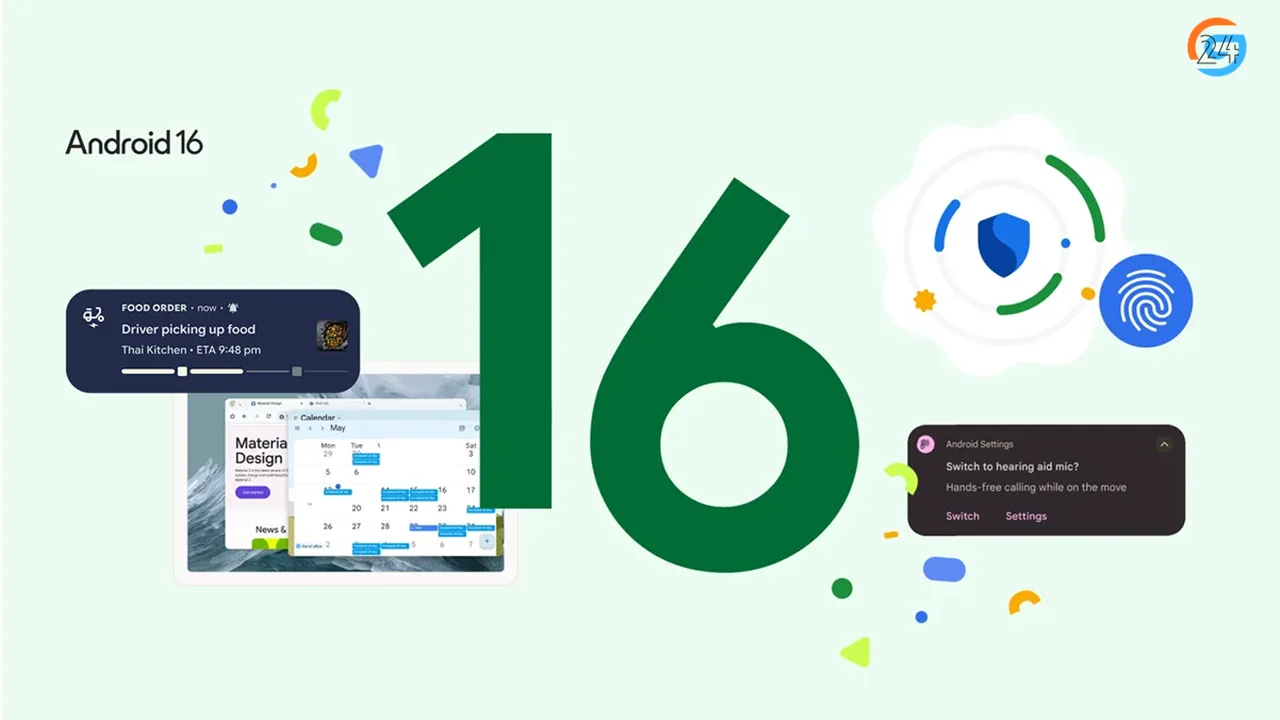
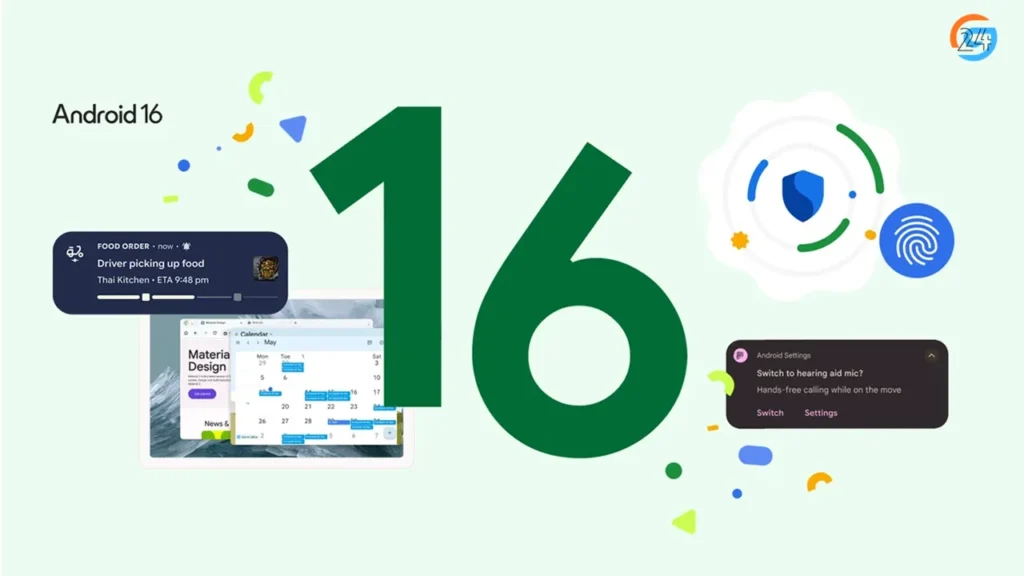
1. Live Updates: Notifications That Actually Help
This is one of the best Android 16 new features, and I noticed it immediately.
Earlier, notifications were simple. A message arrived. A ride started. A delivery was on the way.
Now, notifications feel alive.
Real-life example
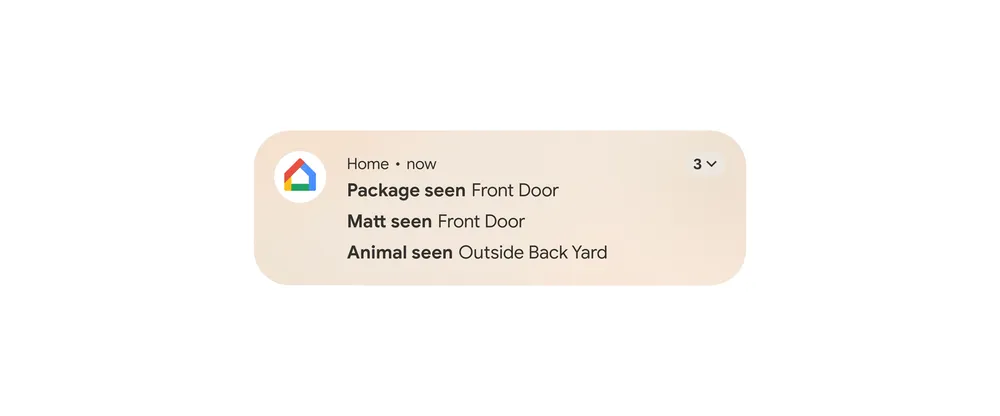
I ordered food late at night. Instead of opening the app again and again, I could see live progress right on the lock screen.
- Food prepared
- Out for delivery
- Rider arriving
All in one place. No tapping. No guessing.
This feature works for:
- Food delivery
- Cab rides
- Navigation
- Fitness tracking
- Ongoing tasks
Small change. Big comfort.
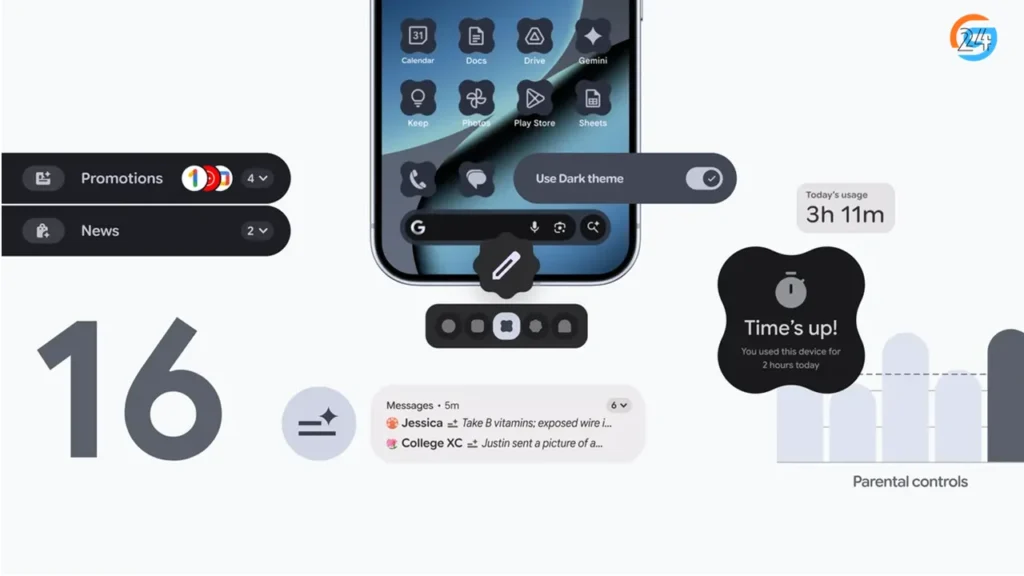
2. Smarter Notification Organization
I hate notification spam.
Sales alerts.
Game rewards.
Random app messages.
Android-16 finally understands this pain.
Now:
- Important alerts stay visible
- Low-priority notifications stay quiet
- Similar notifications group automatically
When my phone lights up, I don’t feel stressed anymore.
Android 16 feels calmer.
3. Notification Cooldown: Less Noise, More Peace
Here’s a feature I didn’t expect to love.
If an app sends too many notifications in a short time, Android-16 automatically reduces alert sounds.
So instead of ping ping ping, it slowly quiets down.
Perfect for:
- Group chats
- Sale notifications
- Breaking news alerts
This feature respects attention.
4. Predictive Back Gesture: No More Accidental Exits
Ever pressed back and thought,
“Wait… I didn’t want to go there.”
Android 16 fixes that.
Now, when you swipe back:
- You see a preview of the previous screen
- You know exactly where you’re going
It feels like the phone is saying,
“Are you sure?”
This tiny animation saves frustration.
5. Desktop Windowing: Android Feels Like a Mini PC
This feature shines on tablets and foldables.
With Android 16, apps can open in resizable windows. You can move them around. Resize them. Use multiple apps together.
Real scenario
Imagine:
- YouTube playing in one window
- Notes app open beside it
- Chat running at the bottom
It feels like using a laptop.
This makes Android powerful for:
- Students
- Office work
- Online classes
- Content creators
6. Better Multitasking on Large Screens
Android-16 improves:
- Taskbar access
- App switching
- Window memory
So when you switch apps, Android remembers where you left off.
This is perfect for people who use tablets daily.
7. Expanded Dark Mode: Easier on the Eyes
Dark mode existed before. But Android-16 makes it better.
Now:
- More apps support dark mode
- Even apps without native dark themes look darker
- Eye strain reduces at night
I use my phone in bed. This change matters.
8. Customization Feels Cleaner
Android 16 doesn’t overload customization. Instead, it refines it.
You get:
- Better theme matching
- Cleaner icon colors
- Consistent UI across apps
Everything looks connected.
Nothing feels messy.
9. Advanced Protection Mode: One-Tap Security
Security is a big part of Android 16 features.
With Advanced Protection Mode, one tap:
- Blocks harmful apps
- Protects from unsafe websites
- Improves scam detection
- Strengthens system security
This is perfect for:
- Kids’ phones
- Elderly users
- People who want extra safety
Simple switch. Strong protection.
10. Identity Check: Extra Safety Outside Trusted Places
Android-16 adds another smart layer.
If someone tries to access sensitive settings outside trusted locations, Android asks for biometric verification.
This helps if:
- Your phone gets stolen
- Someone tries to misuse it
Security without stress.
11. Trade-In Mode: Selling Your Phone Safely
Many people sell old phones. Few clean them properly.
Android-16 introduces Trade-in Mode.
This:
- Locks down personal data
- Makes sure nothing leaks
- Prepares the phone safely for resale
I wish this existed years ago.
12. Accessibility Features That Feel Human
Android-16 adds thoughtful accessibility upgrades.
Some highlights:
- Better hearing aid support
- Phone microphone can help during calls
- Improved text contrast for readability
These changes help:
- Elderly users
- Kids
- People with vision or hearing issues
Android feels more inclusive now.
13. Camera Improvements You’ll Actually Notice
No flashy numbers here. Just practical upgrades.
Android 16 improves:
- Auto exposure control
- Manual camera settings
- Video quality on supported devices
Photos look more natural. Videos feel smoother.
14. HDR Screenshots: Small But Cool
Screenshots now keep HDR brightness and colors.
So when you capture:
- A photo
- A video frame
- A bright screen
It looks closer to what your eyes saw.
15. Android 16 Beta: Who Should Try It?
The Android 16 beta is for:
- Tech enthusiasts
- Developers
- Curious users with spare devices
It gives early access but may include bugs.
For daily phones, I recommend waiting for the stable version.
Android 16 Supported Devices
Right now, Android-16 is available mainly on Pixel phones.
Android 16 Pixel Update
Supported Pixel models include:
- Pixel 6 series
- Pixel 7 series
- Pixel 8 series
- Newer Pixel devices
Other brands will release updates later based on their schedules.
Android 16 Download: How to Update
For Pixel users:
- Open Settings
- Go to System
- Tap Software Update
- Download Android 16
For others, wait for official announcements from your phone brand.
Is Android 16 Worth It? My Honest Take
Android-16 doesn’t try to impress with flashy design.
Instead, it:
- Reduces stress
- Improves focus
- Makes daily use smoother
- Adds real security
- Respects attention
It feels mature.
If Android 15 cleaned things up, Android-16 perfects them.
Final Thoughts
After using it, I can say this clearly.
Android 16 new features don’t shout.
They whisper.
And those whispers make daily phone life better.
If you like calm updates that actually help, Android-16 is worth waiting for.