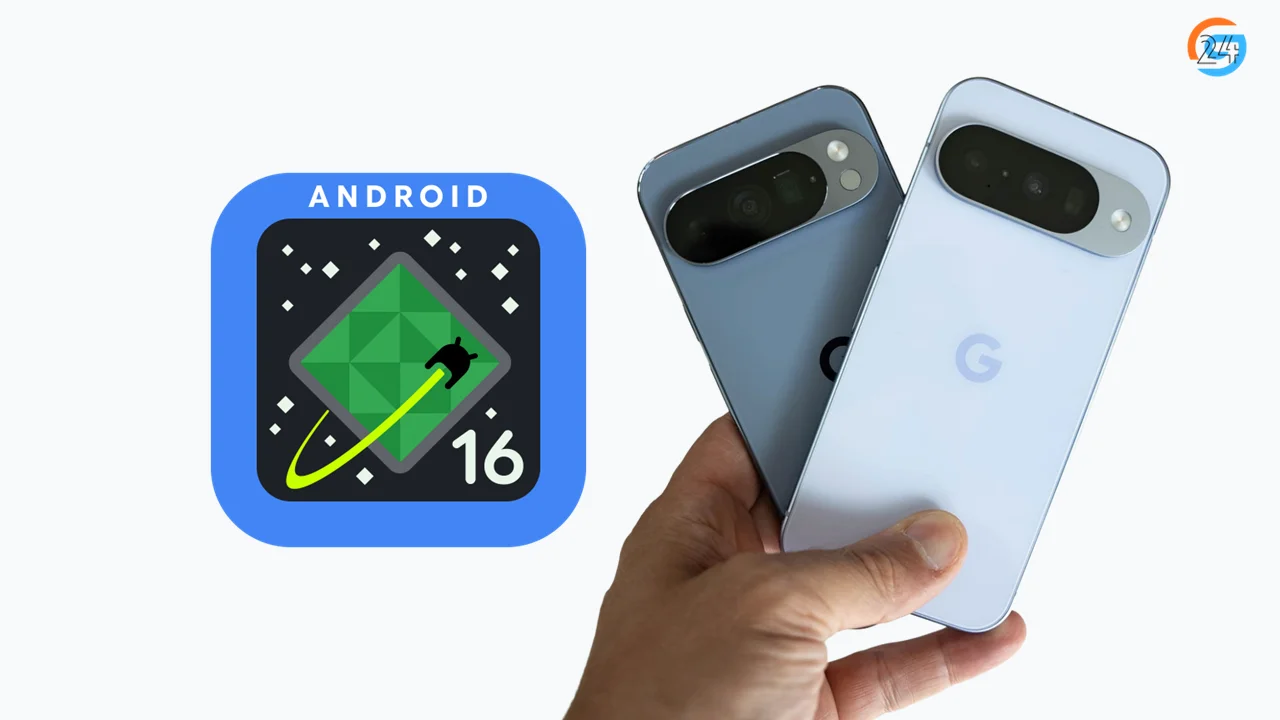
Android 16 Pixel update brings smoother performance, smart new features, and early access for Pixel users. See release timing, supported devices, and what actually changed.
Every year, Pixel phones feel like that friend who always knows secrets before anyone else.
When a new Android version shows up, Pixel users hear the knock first.
That’s exactly what’s happening with the Android 16 Pixel update.
The moment I read about it, I felt curious. Not the loud, flashy curiosity. The quiet kind. The kind that asks, “Okay… what actually changed this time?”
In this post, I’ll walk you through everything about the Android 16 Pixel update. New features, expected release timeline, and the first changes Pixel users notice. I’ll keep it simple. No heavy tech talk. Just real explanations, like I’m talking to someone sitting next to me.
If you want to explore the official technical details, you can check out Google’s documentation here: Android 16 Official Documentation
Table of Contents
Why Pixel Phones Get Android 16 First
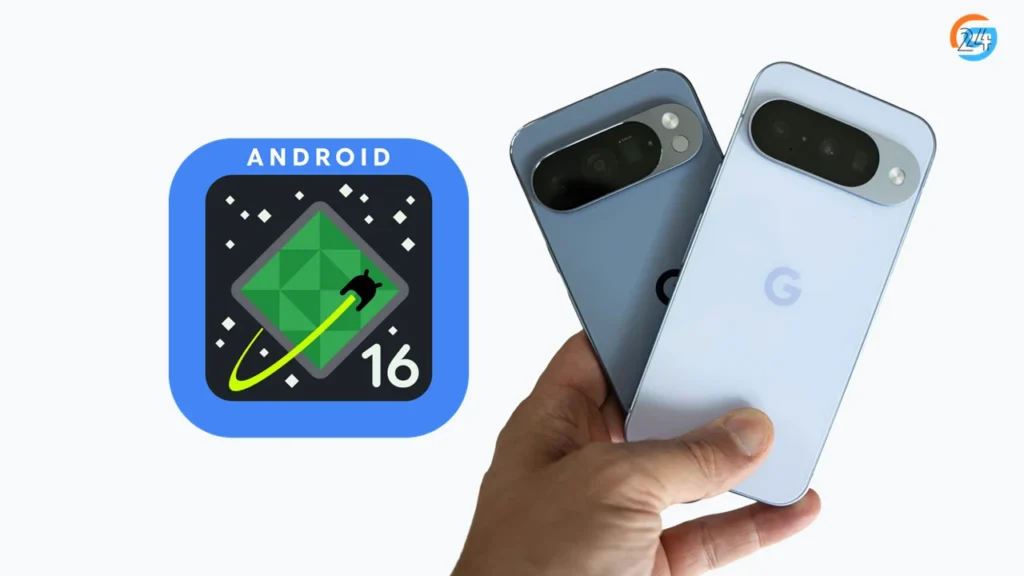
Pixel phones always stand at the front of the line.
Google makes Android. Google makes Pixel phones. That connection matters.
When the Android 16 update starts rolling out, Pixel devices receive it first. No waiting for brand approvals. No delays.
It feels like having a VIP pass.
I remember checking updates on a Pixel phone while friends using other brands kept refreshing their screens. That early access feels nice, even if it’s just a small advantage.
Android 16 Pixel Update: Supported Devices (So Far)
Let’s start with the most common question.
Pixel Phones Eligible for Android 16
- Pixel 9 / 9 Pro
- Pixel 8 / 8 Pro
- Pixel 8a
- Pixel 7 / 7 Pro
- Pixel 7a
- Pixel 6 / 6 Pro
- Pixel 6a
If your Pixel sits on this list, good news. Android 16 will reach your phone.
Older models may miss out, but Google usually keeps Pixel support longer than most brands.
Android 16 Release Date for Pixel Phones
Google follows a familiar rhythm every year.
Here’s the expected Android 16 release date timeline for Pixel devices:
- Early 2025: Android 16 beta for Pixel
- Mid 2025: More beta updates and fixes
- Late 2025: Stable Android 16 Pixel update
Pixel users often receive the stable update the same day Google announces it.
No long wait. No guessing games.
Android 16 Beta on Pixel: Early Taste of What’s Coming
Pixel users can join the Android 16 beta program easily.
I always describe beta software like wearing shoes that are almost perfect. They fit, but sometimes they pinch.
What Beta Feels Like on Pixel
- New features appear early
- Performance feels slightly different
- Bugs show up unexpectedly
- Battery behavior changes day to day
Some days feel smooth. Some days feel strange.
Beta isn’t for everyone, but curious Pixel users enjoy that early peek.
First Changes I Noticed in the Android 16 Pixel Update
Android 16 doesn’t shout. It whispers.
The changes feel subtle, but they stack up.
1. Smoother Animations: Scrolling feels softer. Switching apps feels calmer. It’s like someone cleaned the glass on the screen.
2. Better Background Control: Apps behave better when they’re not in use. My phone felt cooler during long sessions.
3. Small Design Tweaks: Nothing dramatic. Just tiny polish changes that make the interface feel fresh.
Google focuses more on refinement than reinvention this time.
Android 16 New Features That Matter on Pixel
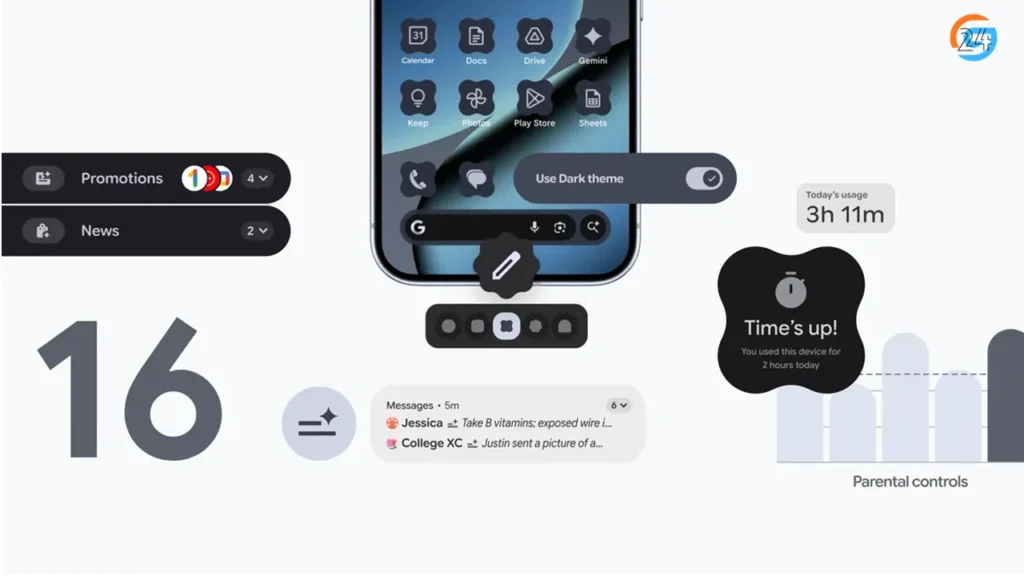
Pixel phones always show Android features at their best.
Here are the Android 16 features that feel most noticeable on Pixel devices.
Improved Battery Efficiency: Battery drain feels more predictable. Heavy apps don’t run wild in the background. It reminds me of closing taps properly instead of letting water drip all day.
Stronger Privacy Indicators: Android 16 makes privacy clearer. The system tells you when apps access sensitive data. No guessing. No confusion.
Performance Stability: Apps open faster. System menus respond quickly. The phone feels steady, not rushed. These changes don’t sound exciting, but they improve daily life.
Android 16 Pixel Update and Camera Experience
Pixel phones live and breathe camera quality.
The Android 16 Pixel update doesn’t completely change the camera app, but it improves how things run behind the scenes.
- Faster camera launch
- Smoother switching between lenses
- Better consistency in low light
I noticed fewer delays when opening the camera quickly. That matters when moments don’t wait.
Android 16 Download on Pixel: How It Works
Downloading Android updates on Pixel stays simple.
How to Check for Android 16 Update
- Open Settings
- Go to System
- Tap Software update
- Check for updates
If Android 16 is available, it appears clearly.
No extra apps. No computer needed.
Pixel keeps updates clean and stress-free.
Android 16 Pixel Update vs Other Android Phones
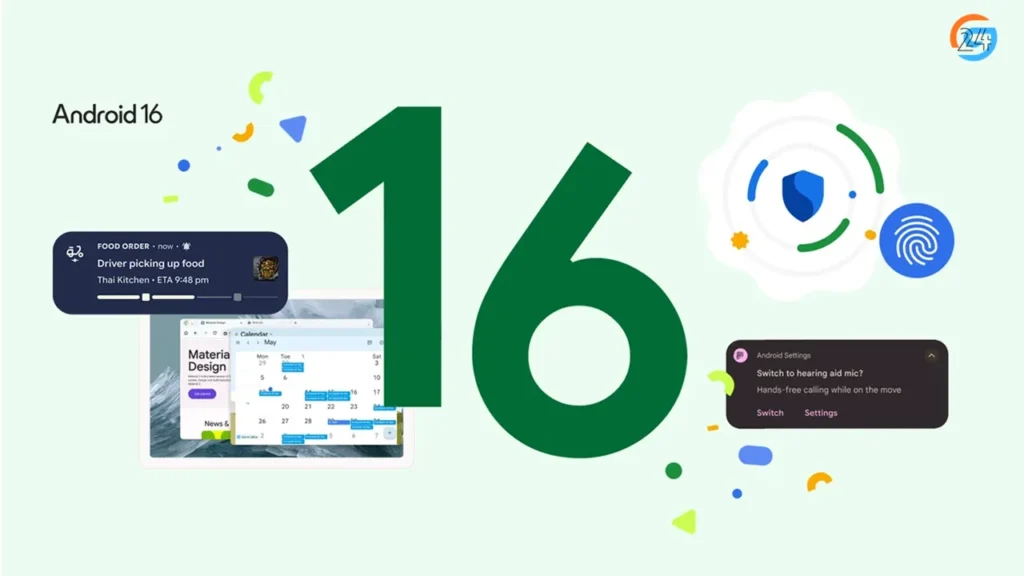
Pixel phones often feel smoother on new Android versions.
Other brands add layers, skins, and extra features. Pixel stays close to pure Android.
That simplicity helps:
- Faster updates
- Fewer bugs
- Cleaner interface
Android 16 feels more natural on Pixel because it’s designed that way from the start.
Real-Life Example: Daily Use After Android 16 Update
Imagine this.
You wake up. Check messages. Scroll news. Open camera. Play music. Navigate maps.
Nothing breaks. Nothing surprises you.
That’s the Android 16 Pixel update experience.
It doesn’t demand attention. It quietly improves things.
For kids, it stays simple.
For adults, it stays reliable.
For older users, it stays familiar.
Common Concerns About Android 16 Pixel Update
Let’s address worries people usually have.
Will Android 16 Slow Down Pixel Phones?
No. Supported Pixel devices handle Android 16 smoothly.
Will Apps Stop Working?
Most popular apps work fine. Some banking apps may lag during beta stages.
Is It Safe to Update?
Yes, especially the stable version. Beta users should backup data first.
Should You Install Android 16 on Pixel Right Away?
It depends.
If you love stability, wait for the stable release.
If you enjoy testing new things, Android 16 beta offers early excitement.
I usually wait a few weeks after release. It gives time for quick bug fixes. That habit saves headaches.
Android 16 Pixel Update: What It Means Long-Term
Android 16 feels like a foundation update.
It prepares Pixel phones for future features rather than chasing flashy changes.
That’s a good thing.
Phones should age gracefully, not chase trends.
Final Thoughts: Is Android 16 Pixel Update Worth It?
The Android 16 Pixel update doesn’t try to impress with loud tricks. It focuses on calm improvements, better performance, and smoother daily use.
Pixel phones already feel reliable. Android 16 sharpens that feeling.
If you use a Pixel phone, this update feels like a quiet upgrade you’ll appreciate over time. Not on day one. But week after week.
I’ll keep updating this guide as Android 16 evolves. Save it, share it, and come back whenever you need clear answers without the tech noise.