OriginOS 6 brings smoother performance, smarter features, and better battery life. See new features, supported devices, and whether you should upgrade.
Introduction
OriginOS 6 is officially here, and if you use a Vivo or iQOO phone, this update probably caught your attention already. Every time a new software update arrives, the same questions pop up in my mind too. What’s actually new this time? Will my phone get it? And most importantly, is it worth upgrading or should I wait?
Software updates can feel confusing, especially when brands use big words like “AI-powered” or “next-gen performance.” But in real life, what most people care about is simple. Does the phone feel faster? Does the battery last longer? Does anything break after the update?
OriginOS 6 focuses exactly on these daily-use things. Vivo promises smoother performance, smarter system behavior, better battery management, and a cleaner interface. On paper, it sounds impressive. But updates always look good on paper.
In this guide, I’ll walk you through OriginOS 6 in a clear and honest way. I’ll explain what it is, when it’s coming, the most useful new features, and which phones are expected to get the update. I’ll also share who should upgrade right away and who might want to wait.
If you’re thinking about the OriginOS 6 update, this article will help you decide with confidence.
Table of Contents
What Is OriginOS 6?
OriginOS 6 is Vivo’s custom operating system used on Vivo and iQOO smartphones. It runs on top of Android, but it looks and behaves very differently from stock Android. Vivo designed OriginOS to feel modern, smooth, and flexible, especially for users who like customization and fast performance.
With OriginOS 6, Vivo continues the same idea but tries to make the experience more stable and practical. Instead of just changing icons or animations, this version focuses more on how the phone behaves during daily use. Things like opening apps, switching between tasks, managing background processes, and saving battery get more attention.
This update matters most if you:
- Use your phone heavily every day
- Play games or multitask often
- Care about battery life and smooth scrolling
- Want a cleaner, more polished interface
Compared to older versions, OriginOS 6 feels more mature. Earlier updates focused heavily on visual changes. This time, Vivo balances looks with performance and system intelligence. The goal seems simple: make the phone feel fast and reliable, even after months of use.
OriginOS 6 Release Date & Rollout Strategy

Official Announcement & Timeline
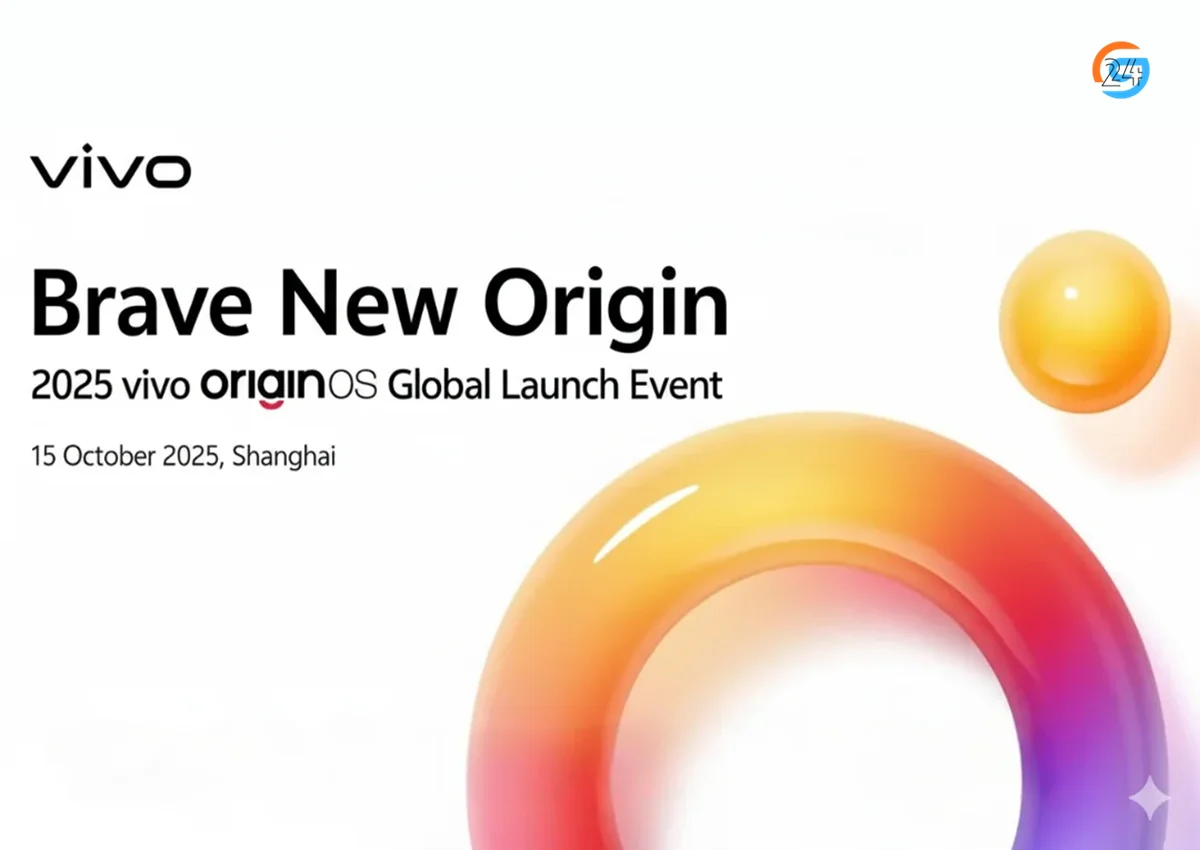
Vivo announced OriginOS 6 as its next major software upgrade during its software roadmap events. Like most big Android skins, the rollout doesn’t happen overnight. Instead, it follows a gradual schedule.
The stable version usually starts rolling out a few weeks after the official announcement. Flagship phones receive it first, followed by mid-range models.
Rollout Phases
The OriginOS 6 release date depends on your phone model and region.
- Flagship devices get priority
- Mid-range phones follow after testing
- Older models may receive limited updates or none at all
In regions like India and other global markets, updates usually arrive slightly later than China. This delay helps Vivo fix early bugs before releasing it widely.
Beta vs Stable Update
Before the stable release, Vivo often offers a beta program.
Beta update pros:
- Early access to OriginOS 6
- Test new features before others
Beta update risks:
- Bugs and battery drain
- App compatibility issues
If you depend on your phone for work or school, waiting for the stable update feels safer. Curious users and tech enthusiasts may enjoy the beta experience.
Learn more about OriginOS 6 Release Date & Rollout Timeline
OriginOS 6 New Features
This is where things get interesting. The OriginOS 6 features focus on making daily phone use smoother and smarter rather than flashy changes.
1. UI & Design Improvements
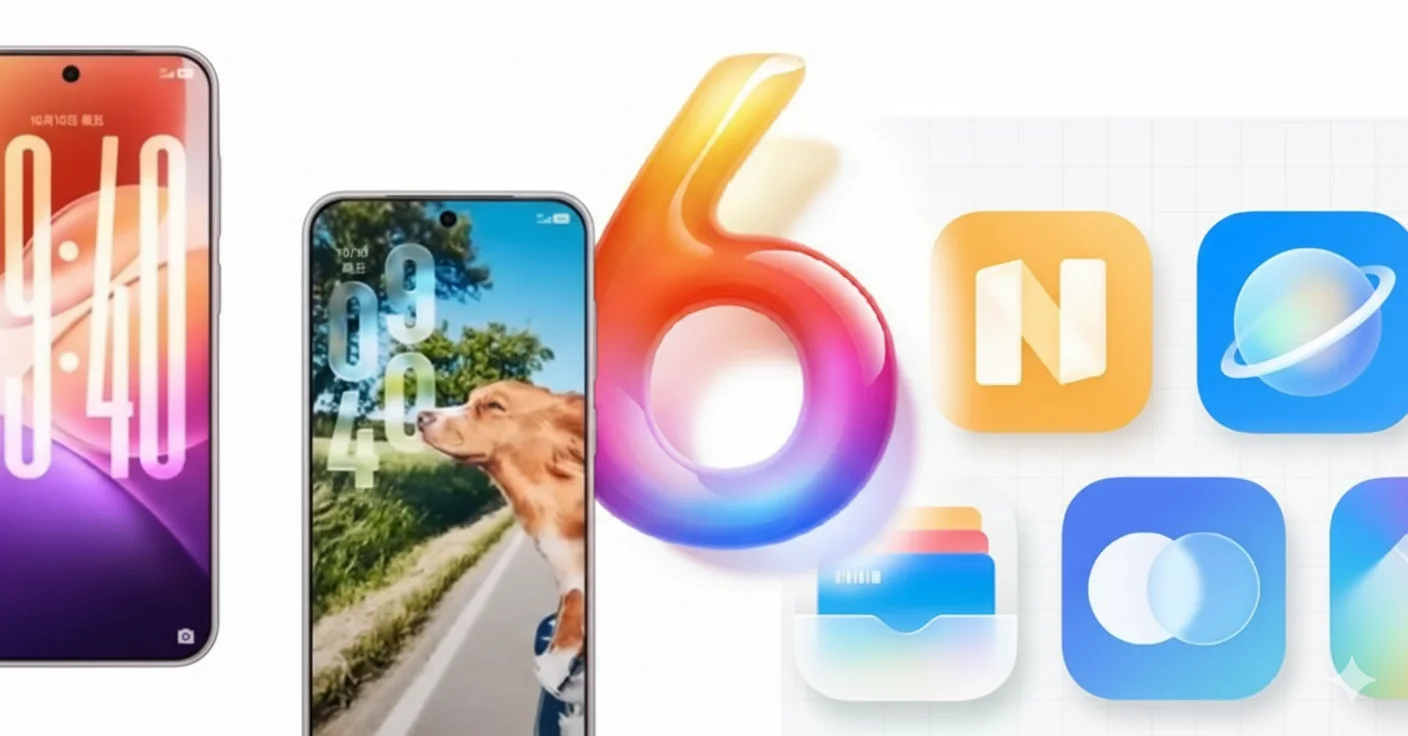
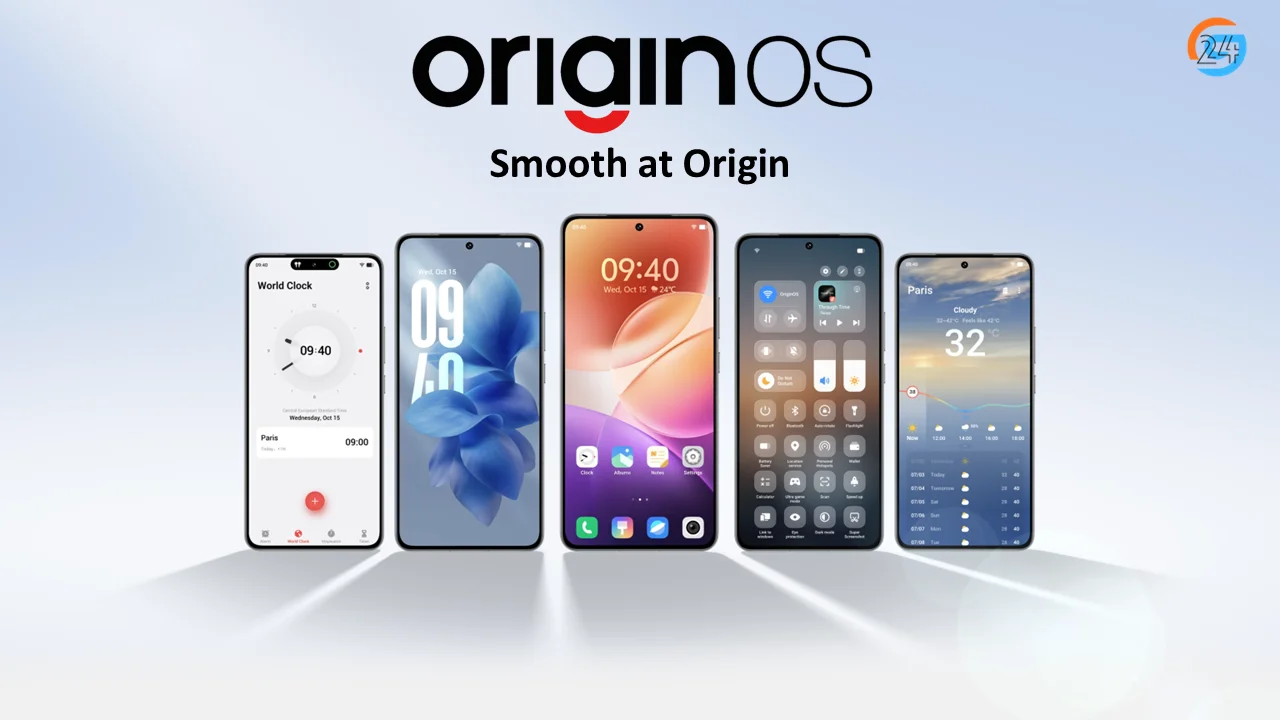
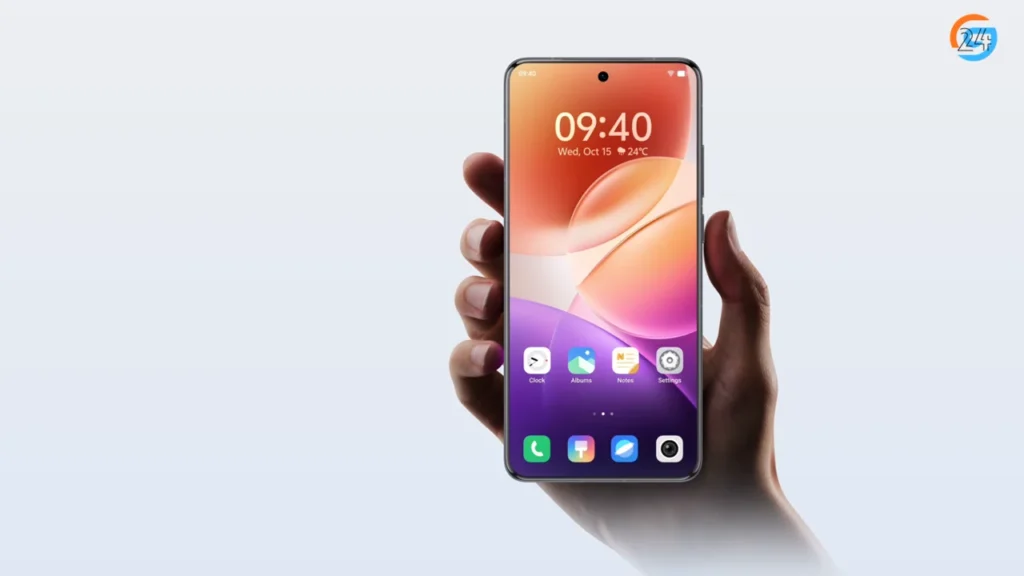
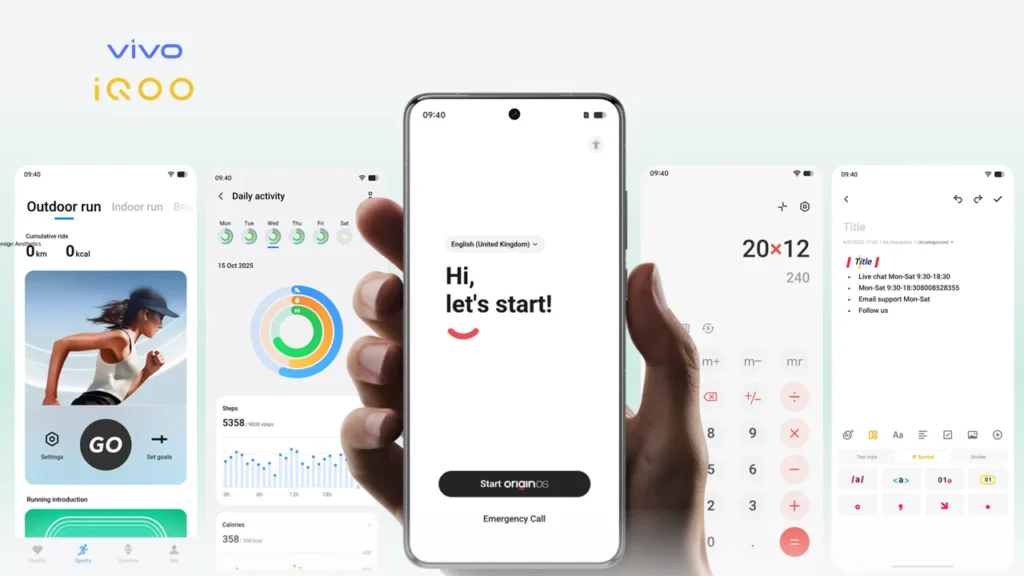
The first thing I noticed after using OriginOS 6 is how smooth everything feels. Animations look more natural, not too fast and not too slow. Scrolling feels steady, and transitions between apps look cleaner.
The lock screen gets small refinements, and the control center feels more organized. Icons look slightly refreshed, but nothing feels forced or confusing. It’s the kind of change you slowly appreciate rather than notice instantly.
2. AI & Smart System Features
OriginOS 6 uses AI in subtle but helpful ways. The system learns how you use your phone and adjusts in the background.
For example:
- Apps you open often load faster
- Unused apps stay quiet in the background
- Battery usage adapts to your habits
Camera apps also benefit from AI improvements. Photos process faster, and scenes adjust more naturally without heavy filters.
3. Performance & Speed Enhancements
Performance is one of the biggest highlights of OriginOS 6 new features.
- Apps launch quicker
- Multitasking feels smoother
- Fewer random slowdowns
Better RAM management helps keep frequently used apps active. Even after hours of use, the phone feels responsive.
Ultra-core computing
8-core power.
8+1 responsiveness.
With global intelligent scheduling, the system dynamically allocates computing resources for peak efficiency, pushing all 8 cores to their fullest while delivering an ultra-responsive “8+1” experience.*
App cold start speed increased
18.5%↑
The stability of sliding frame rate increases
10.5%↑
Memory fusion
High load.
No lag.
High-load tasks are routed through dedicated high-speed lanes, keeping the system fluid and responsive even in the most complex scenarios. Multitasking performance never skips a beat.*
5,000 album photos loaded instantly
106%↑faster
Dual rendering
Smoothness, redefined.
As an industry-first innovation, Dual rendering significantly boosts rendering efficiency while reducing power consumption, delivering ultra-smooth visuals throughout the system.*
The efficiency of dynamic effect rendering increases
35%↑
In heavy-load scenarios, the stability of dynamic effect frame rate increases
11%↑
4. Battery & Power Efficiency
Battery life improvements feel practical. Standby drain reduces, especially overnight. Background apps consume less power, and the system becomes smarter about stopping unnecessary processes.
This doesn’t magically double battery life, but it adds consistency. The phone lasts longer in real-world use.
5. Privacy & Security Enhancements
OriginOS 6 improves permission control. You get clearer information about which apps access data like location, camera, or microphone. It feels easier to manage privacy without digging through menus.
Learn more about OriginOS 6 New Features
OriginOS 6 Supported Devices
Before getting excited, it’s important to check OriginOS 6 supported devices.
1. How Device Eligibility Works
Vivo decides eligibility based on:
- Hardware capability
- Android update policy
- Phone age
Newer phones get longer support.
2. Vivo Phones Expected to Get OriginOS 6
Flagship series:
- Vivo X series (recent models)
Mid-range series:
- Vivo V series
- Vivo S series
3. iQOO Phones Expected to Get OriginOS 6
Flagships:
- iQOO number series
Mid-range:
- iQOO Neo and Z series
4. Devices That May Miss the Update
Phones older than three to four years may not receive OriginOS 6. This usually happens due to hardware limits and Android support policies.
You can find OriginOS 6 Supported Devices
How to Update to OriginOS 6
Updating is simple once the update reaches your phone.
1. Before Updating
- Backup important data
- Charge battery above 50%
- Ensure enough storage
2. OTA Update Steps
- Open Settings
- Tap System Update
- Check for OriginOS 6
- Download and install
3. Beta Update Method
Beta updates appear under the same section if available. Only install if you’re okay with minor issues.
You can find How to Update to OriginOS-6
OriginOS 6 vs Previous Version
Compared to earlier versions:
- Faster app loading
- Better battery consistency
- Cleaner interface
- Improved stability
The upgrade focuses more on polish than dramatic change.
Should You Upgrade to OriginOS-6?
👍 Upgrade If:
- You own a newer Vivo or iQOO phone
- You want smoother performance
- You enjoy system improvements
⚠️ Wait If:
- Your phone is older
- You rely on specific apps
- You prefer maximum stability
Common Problems & Known Issues
Early users report:
- Minor bugs
- Slight battery drain during first days
- Occasional app issues
Most problems improve after a few days or patches.
Final Verdict
OriginOS-6 feels like a thoughtful update rather than a flashy one. It improves the things people actually care about: smoothness, battery life, and reliability.
If you use a newer Vivo or iQOO phone, upgrading makes sense once the stable version arrives. If your phone is older or you depend on it heavily, waiting a bit feels wise.
I’d recommend bookmarking this page and checking the supported devices list before updating. That small step can save a lot of frustration later.
OriginOS-6 may not change your phone overnight, but it quietly makes daily use better — and sometimes, that’s exactly what a good update should do.
You can also read my related blogs below:
- OriginOS-6 Supported Devices
- OriginOS-6 New Features
- How to update to OriginOS-6.
- OriginOS 6 Release Date
For official details and updates, check the OriginOS 6 official page.
Frequently Asked Questions
1. Is OriginOS 6 released in India?
Yes, OriginOS 6 has started rolling out in India, but only in phases. Flagship Vivo and iQOO phones are receiving it first, while mid-range and older models will get the update later. Availability depends on your device and rollout schedule.
2. What is the use of OriginOS 6?
OriginOS 6 is used to improve how Vivo and iQOO phones work in daily life.
It makes the phone feel smoother, faster, and more efficient by improving performance, battery management, privacy controls, and smart AI features. The update also refines the interface, making everyday tasks easier and more responsive.
3. Which phone will get OriginOS?
OriginOS is available on Vivo and iQOO smartphones, mainly newer models. Flagship phones get it first, followed by mid-range devices like Vivo V, T, S series and iQOO Neo and Z series. Older or entry-level phones may not receive the update.
4. Will OriginOS 6 be global?
Yes, OriginOS-6 is planned for global release, but in phases. It will first reach select Vivo and iQOO phones in markets like India. Not all regions or devices will get it at the same time, and rollout depends on model and location.
5. Is OriginOS Chinese?
Yes, OriginOS is Chinese in origin. Vivo developed OriginOS first for the Chinese market as a custom Android skin. Later, Vivo began bringing OriginOS to global markets, including selected regions outside China, with localized features and language support.
6. Is Origin OS better than Funtouch OS?
Short answer: Many users find OriginOS better than Funtouch OS, but it depends on what you prefer.
👍 Why Some People Prefer OriginOS
- Cleaner design: The interface feels more modern and less cluttered.
- Smoother performance: Animations and transitions often feel more fluid.
- Smart features: Better AI-driven suggestions and system behavior.
- Battery efficiency: Improved background management can help battery life.
🤔 Why Some Still Prefer Funtouch OS
- Familiarity: Long-time Vivo users may like the old layout.
- Simplicity: Some find Funtouch OS easier to navigate without extra features.
- Compatibility: Certain older phones run Funtouch OS more smoothly than newer skins.
Bottom line: OriginOS tends to feel more modern and refined than Funtouch OS, but the “better” experience depends on your taste and your phone.