Vivo X300 Pro performance review covering MediaTek Dimensity 9500 speed, gaming stability, 120Hz AMOLED smoothness, heating control, and real-world daily usage.
Every time a new flagship phone launches, the first question people ask is simple: Is it actually fast in daily life, or is it just big numbers on paper?
That is exactly why so many people search for a Vivo X300 Pro performance review.
The Vivo X300 Pro sits right at the top of Vivo’s lineup. It comes with the new MediaTek Dimensity 9500, 5G support, a smooth 120Hz AMOLED display, and the kind of pricing that puts it firmly in flagship territory. On paper, everything looks powerful. But specs alone never tell the full story.
I wanted to understand how the Vivo X300 Pro performs when used like a real phone. Opening apps, gaming for long sessions, scrolling endlessly on social media, switching between tasks, and using it throughout a full day. This review focuses on real-world speed, gaming stability, heat control, and long-term performance, not just benchmarks.
👉 Read the complete Vivo X300 Pro review with specs, camera results, and pricing details.
Processor: MediaTek Dimensity 9500
GPU: Advanced flagship-grade graphics unit (optimized for gaming)
RAM: High-speed LPDDR memory
Storage: UFS fast storage for quicker app loading
Cooling: Advanced vapor chamber cooling system
Software: OriginOS with performance tuning
Display: 120Hz AMOLED panel
These specs already place the Vivo X300 Pro among the strongest flagship smartphone 5G devices available today.
Table of Contents
First-Day Performance Experience
The first few hours with any phone often tell a lot. When I powered on the Vivo X300 Pro, the setup process felt fast and smooth. Apps installed quickly, the phone restarted without delay, and navigation felt instant.
I remember opening multiple apps right after setup—camera, gallery, browser, messaging, and social apps—just to see if anything slowed down. Nothing did. Touch response felt accurate, and animations looked clean without stutter.
From the first day, the Vivo X300 Pro gave that confident flagship feeling where the phone never makes you wait.
Day-to-Day Performance (Vivo X300 Pro Performance)
This is where performance truly matters. Most people do not run benchmarks all day. They scroll, chat, watch videos, and multitask.
With regular daily use—calls, WhatsApp, Instagram, YouTube, browsing, and emails—the Vivo X300 Pro stays consistently smooth. Switching between apps feels instant, even when many apps stay open in the background.
I noticed that the phone does not aggressively close background apps. This helps a lot if you jump between apps frequently. After hours of usage, the phone still feels stable, which says a lot about the optimization.
As a daily driver, the Vivo X300 Pro review experience feels polished and reliable.
Gaming Performance Review (Vivo X300 Pro Performance)
🎮 Games Tested
- Casual games like racing and puzzle titles
- Heavy games that push graphics and CPU performance
🎮 Gaming Experience
Gaming is one of the biggest reasons people care about performance. The Vivo X300 Pro handles gaming with confidence. Frame rates remain stable, even during long sessions. Touch input feels fast, which helps in competitive games.
Heating exists, as it does on every flagship phone, but it stays controlled. The phone never becomes uncomfortable to hold. The high refresh rate phone experience also makes games feel smoother and more responsive.
For gamers, this phone clearly sits in the premium category.
MediaTek Dimensity 9500 – (Vivo X300 Pro Performance)
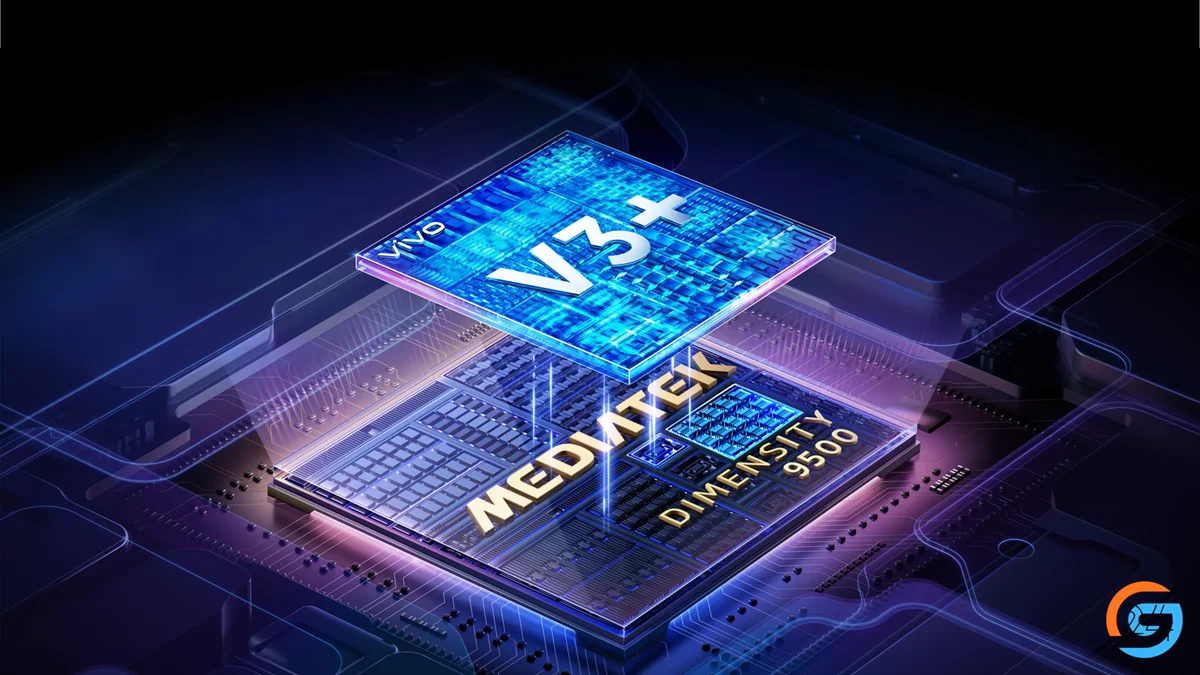
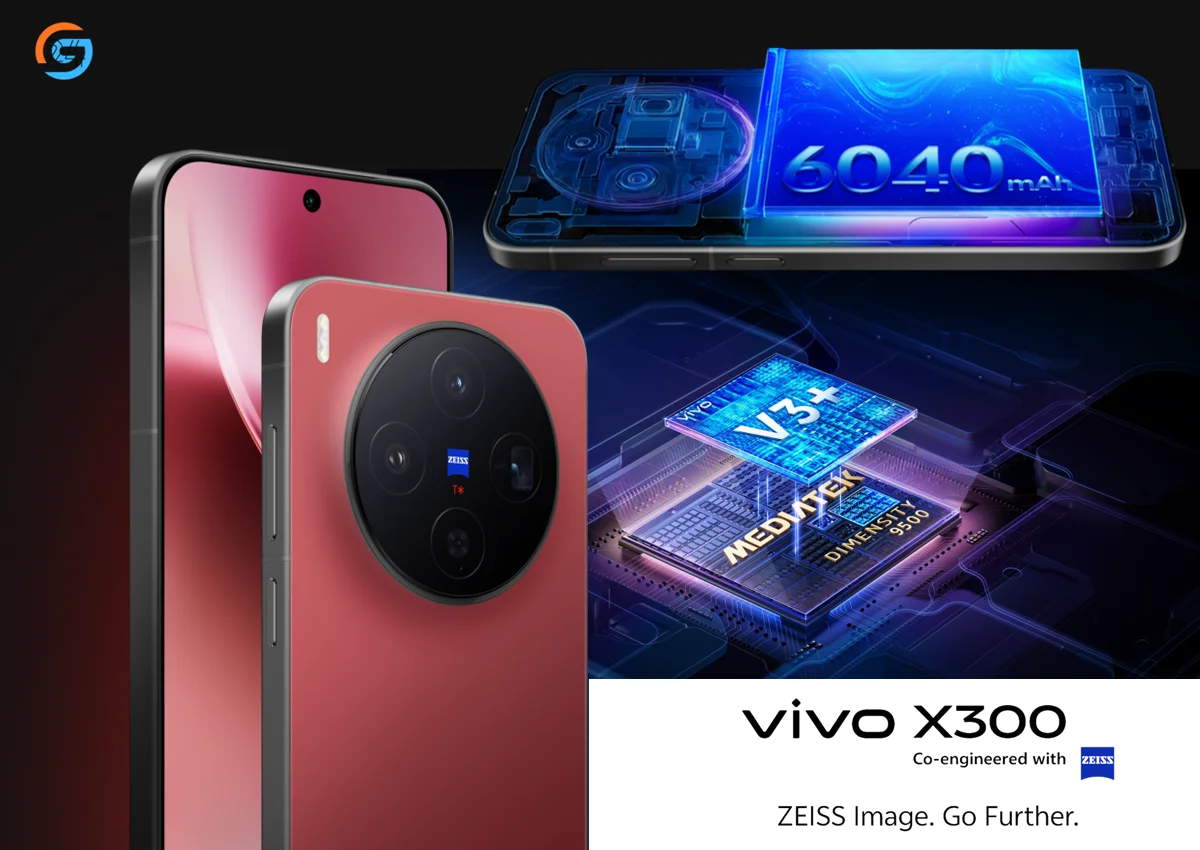
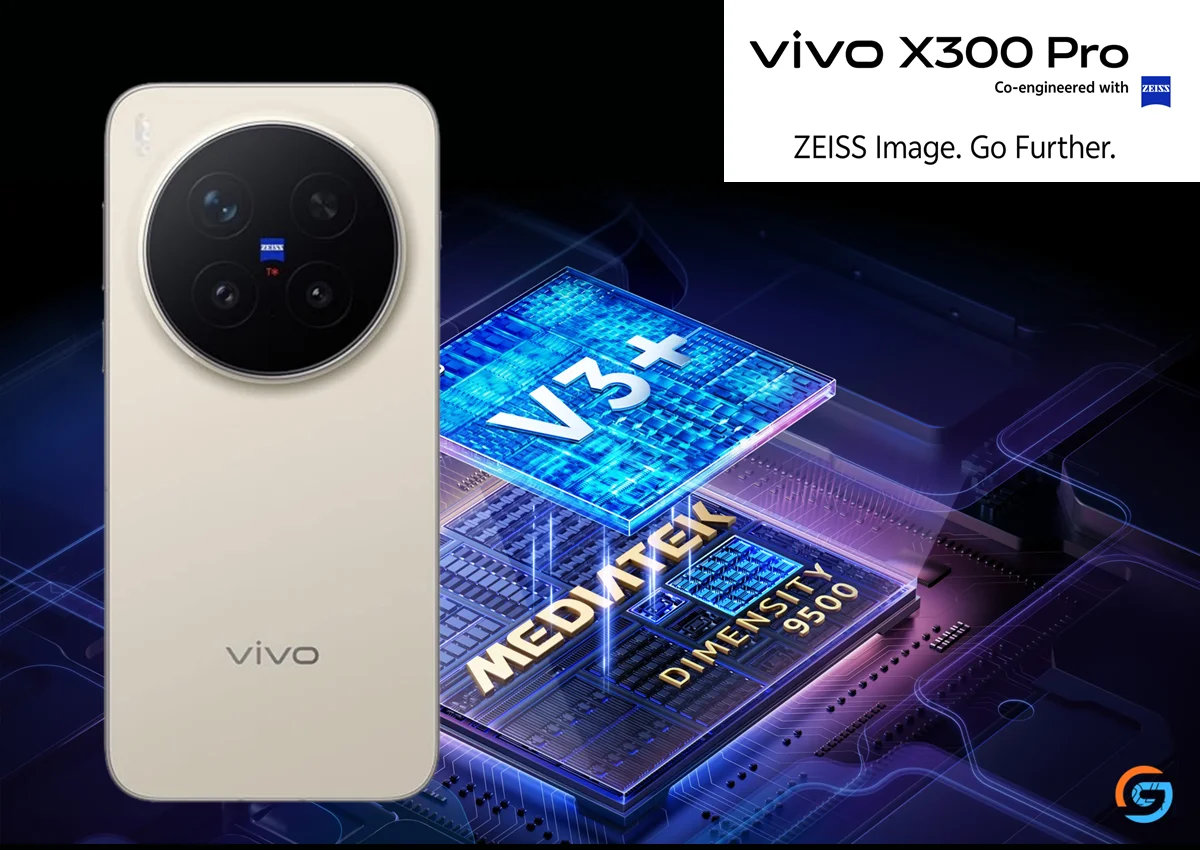
The real star of this phone is the MediaTek Dimensity 9500. In daily use, it feels fast, efficient, and well-balanced.
Multitasking feels effortless. Heavy apps open quickly, and switching between them does not cause reloads. AI tasks, camera processing, and gaming all feel optimized.
What impressed me most is efficiency. The chipset delivers strong performance without constantly pushing heat or draining battery aggressively. That balance matters more than raw power numbers.
The MediaTek Dimensity 9500 performance proves that MediaTek has fully entered true flagship territory.
Thermal Performance & Heat Management
Heat control often separates good phones from great ones. During gaming and camera usage, the Vivo X300 Pro warms up but never crosses into uncomfortable territory.
The cooling system does its job well. Heat spreads evenly and cools down quickly once heavy usage stops. Even during long gaming sessions, the phone remains usable without performance drops.
This makes a big difference for people who game or record videos frequently.
Performance with 120Hz AMOLED Display
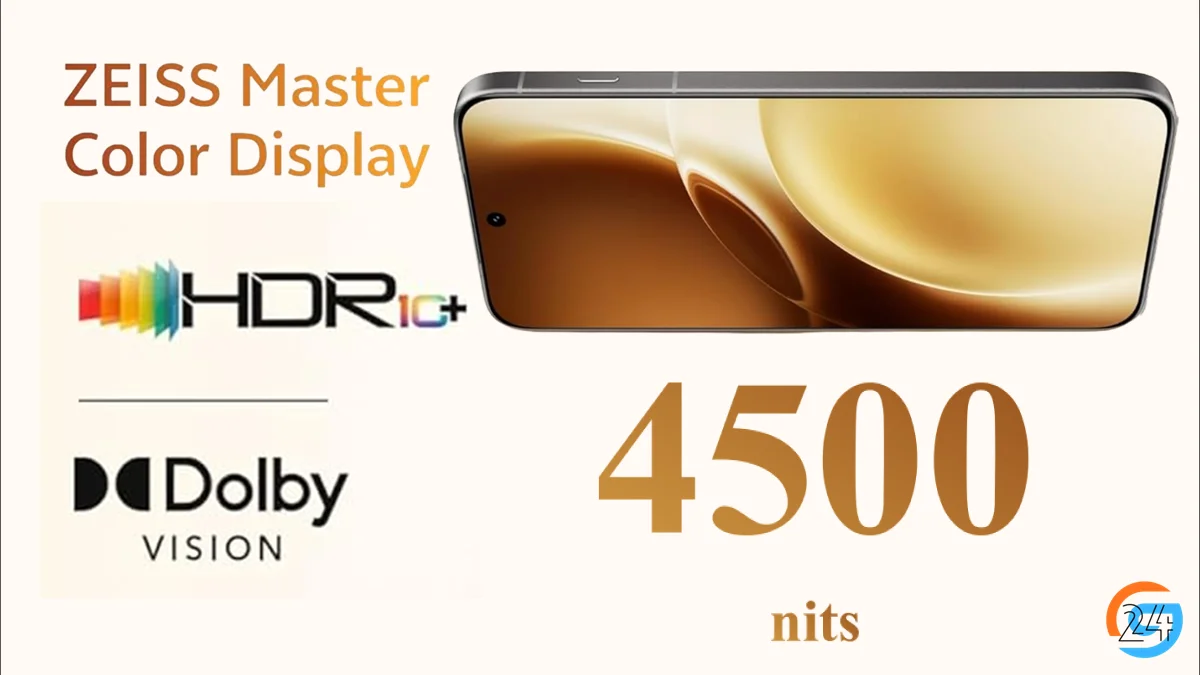
The 120Hz AMOLED phone experience adds another layer to performance. Scrolling feels fluid, animations look natural, and the UI feels alive.
Once you get used to a high refresh rate phone like this, going back to a standard display feels slow. Gaming, video playback, and everyday navigation benefit from this smoothness.
Yes, 120Hz uses more battery, but Vivo balances it well without hurting daily usage.
Software Optimization & Performance Stability

OriginOS plays a major role in how the Vivo X300 Pro feels. Animations are smooth, transitions feel polished, and the system stays responsive even after long use.
I did not face random app crashes or lag. The software feels mature and tuned for flagship hardware. Long-term users should see stable performance if updates remain consistent.
This strengthens the overall Vivo X300 Pro performance review experience.
5G, Connectivity & Call Performance
Connectivity remains strong across the board. Vivo X300 Pro 5G delivers fast network switching and stable signal strength.
Wi-Fi stays reliable, Bluetooth connections remain stable, and call quality feels clear. Whether indoors or outdoors, the phone handles daily communication without frustration.
As a flagship smartphone 5G, it meets expectations.
Battery Impact on Performance
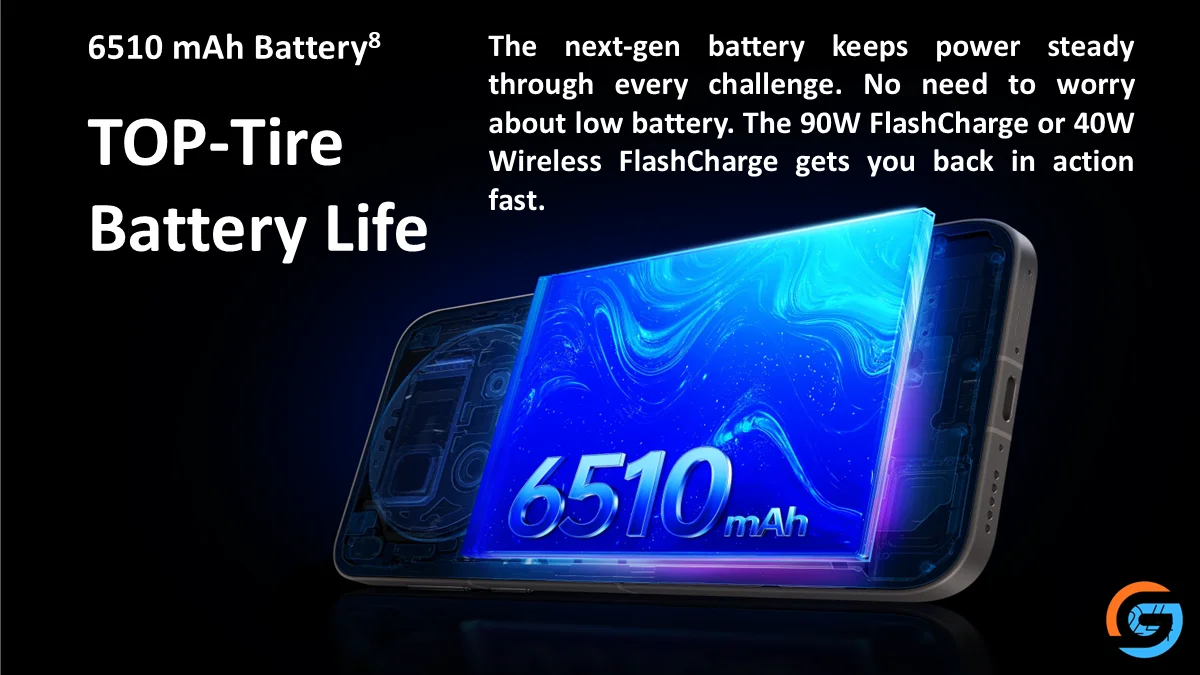
Performance often drops when battery gets low. Here, the Vivo X300 Pro stays stable even under low battery conditions.
Gaming while charging works fine, with controlled heat. The chipset avoids aggressive throttling, which keeps performance consistent throughout the day.
Efficiency feels balanced, not forced.
Vivo X300 Pro Performance vs Competitors
Compared to Samsung and OnePlus flagships, the Vivo X300 Pro holds its ground well. Gaming stability, multitasking, and heat control feel competitive.
Against iQOO and Xiaomi performance-focused phones, Vivo offers a more balanced approach with better camera integration and software polish.
For the Vivo X300 Pro price, the performance feels justified.
Pros & Cons (Vivo X300 Pro Performance)
👍 Pros
- Smooth multitasking
- Stable gaming performance
- Excellent thermal control
- Efficient MediaTek Dimensity 9500
👎 Cons
- Premium price point
- OriginOS may need time to adjust for some users
Who Should Buy Vivo X300 Pro for Performance?
- Gamers who want stable frame rates
- Power users who multitask heavily
- Content creators using camera and editing apps
- Everyday users who want smooth long-term performance
If performance matters to you, this phone delivers.
Final Verdict – Vivo X300 Pro Performance
The Vivo X300 Pro delivers flagship-level performance without unnecessary hype. It stays fast, smooth, and reliable in real life.
The MediaTek Dimensity 9500 proves powerful yet efficient. Gaming feels stable, daily usage feels effortless, and long-term performance looks promising.
If you want a premium phone that performs consistently, the Vivo X300 Pro earns a strong recommendation.
Where to Buy
If you plan to buy, these platforms usually offer the best experience:
- Amazon India: Fast delivery, EMI options
- Flipkart: Exchange deals and discounts
- Vivo Official Store: Direct brand purchase
👉 Check current deals before buying to get the best value.
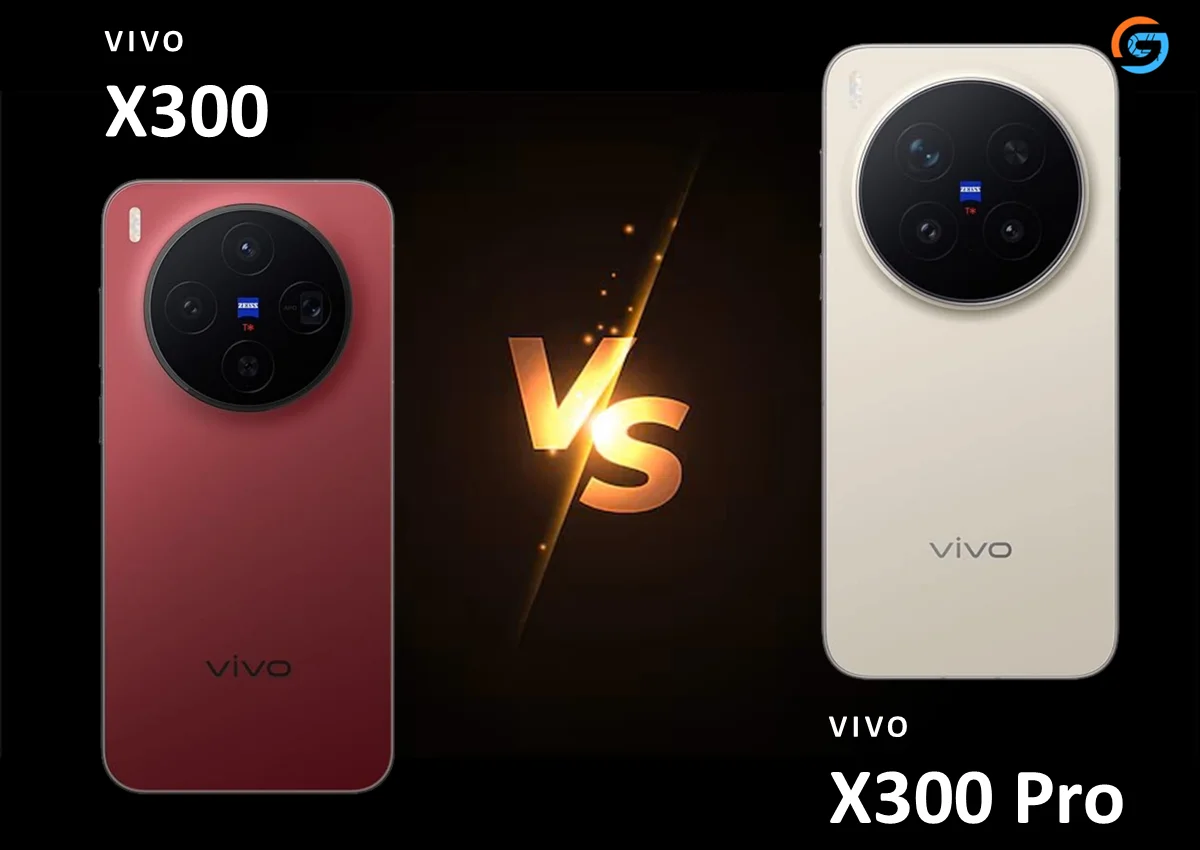
If you want the latest Vivo X300 Pro price in India and the best deals, check out this post. Curious about how it performs? Read the Vivo X300 Pro specifications & performance review for gaming, display, and software insights. For photography enthusiasts, see the Vivo X300 Pro camera Review with ZEISS lens, real photos, and video samples. Still deciding which model to buy? Compare Vivo X300 vs X300 Pro to pick the right flagship for you.
Frequently Asked Questions – Vivo X300 Pro Performance Review
1. How is the Vivo X300 Pro performance in real-world use?
The Vivo X300 Pro feels fast and smooth in daily use. Apps open quickly, scrolling feels fluid, and multitasking stays stable even after hours of calls, browsing, and social media. I didn’t notice random lag or slowdowns in normal usage.
2. Is Vivo X300 Pro good for gaming?
Yes, the Vivo X300 Pro handles gaming very well. Casual and heavy games run smoothly with stable frame rates. Touch response feels accurate, and long gaming sessions stay comfortable without aggressive heating.
3. Which processor powers the Vivo X300 Pro?
The Vivo X300 Pro runs on the MediaTek Dimensity 9500 processor. It is a flagship chipset built for speed, efficient multitasking, AI performance, and smooth gaming on 5G smartphones.
4. Does the Vivo X300 Pro heat up during heavy use?
The phone does get slightly warm during long gaming or camera sessions, but the heat stays controlled. The cooling system works well and prevents noticeable performance drops or discomfort in hand.
5. How does the 120Hz AMOLED display affect performance?
The 120Hz AMOLED display makes everything feel faster. Scrolling, animations, and gaming look smoother, and the high refresh rate improves the overall speed experience without hurting battery life too much.
6. Is Vivo X300 Pro suitable for long gaming sessions?
Yes, the Vivo X300 Pro is suitable for long gaming sessions. Performance remains consistent, touch controls stay responsive, and the phone does not throttle aggressively even after extended play.
7. Is Vivo X300 Pro worth buying for performance users?
If you want a flagship smartphone focused on speed, smooth gaming, and stable daily performance, the Vivo X300 Pro is worth buying. The Dimensity 9500 and optimized software deliver reliable long-term performance.
8. Does Vivo X300 Pro performance drop on low battery?
Performance remains stable even at lower battery levels. Basic tasks and gaming continue smoothly, though heavy gaming while charging may cause slight warmth, which is normal for flagship phones.